
Signal management
6x2 presentation switcher: six sources, two displays
Six sources at the table, two screens in the room – the meeting room switcher for sessions where everybody brings their own notebook.
Presentation switching
What a 6x2 switcher does in a meeting room
A 6x2 presentation switcher takes in six video sources and puts them onto two displays – a switcher for rooms in which several participants present one after another and nobody should have to unplug a cable.
Every seat keeps its own cable. Six connections stay occupied for good and the change is made with a button, which does away with the swapping of the display cable that costs meeting rooms the first few minutes of every session.
Two outputs feed two screens. The projector at the front and the rear-wall display for the back rows both hang on the switcher, with no additional splitter in between – and the same goes for two separate screens in a wide meeting room.
What is transmitted is an HDMI signal with audio; the sockets are DVI-D and can be screwed down. EDID management gives every connected source a fixed answer about the screen, so that a notebook does not start again from the beginning each time the routing changes.

Signal path
Six inputs onto two screens
Six sources stay connected for good; which of them is visible in the room is decided by pressing a button.
- Inputs 1–6: notebooks, room PC, camera
- Switcher: takes in the switching request
- Outputs 1–2: display and projector
Technical data
The 6x2 switcher at a glance
Figures for the basic unit. What is added in cable lengths and installation follows from the room plan.
- Inputs
- 6
- Outputs
- 2
- Connection
- DVI-D (HDMI signal, with audio)
- Signal
- uncompressed, no delay
- Network
- not required
- Warranty
- 3 years, optionally 5 years
The serial interface for an existing control system sits next to the two outputs. Beside it are six connections for the buttons at the seats.
Operation
One button per seat
Every seat has a show-me button. Whoever presses it brings their picture onto the screen without anyone having to stand at the unit. Switching works just as well from a touchscreen, over RS-232 from an existing control system, or from the iPad app.
See the controls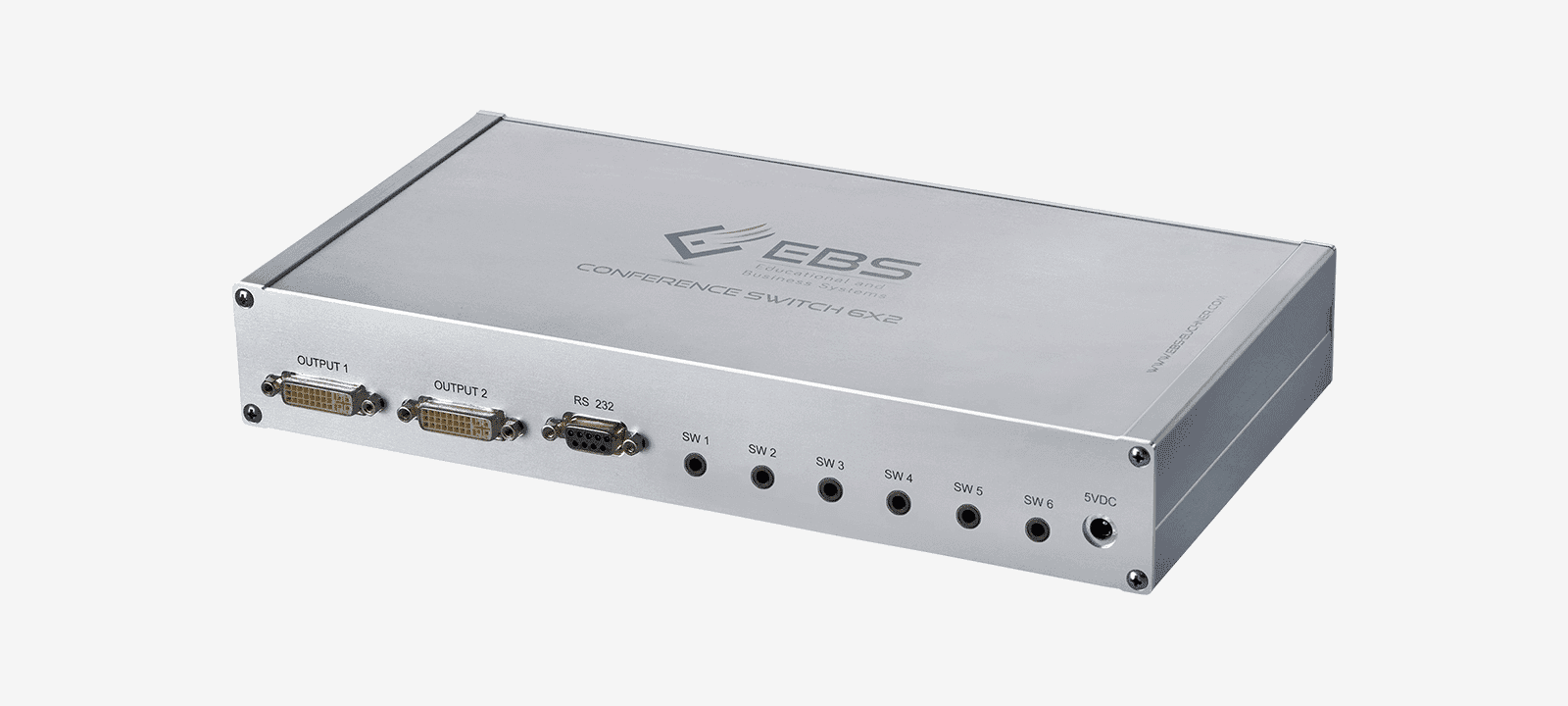
In use
Six inputs cover the meeting room
Room PC, video conferencing, document camera and three guest notebooks – that fills the switcher. Where more than two destinations are to show different things at once, the 4x4 matrix switcher takes on the same task with four freely assignable outputs.
See the 4x4 matrix switcher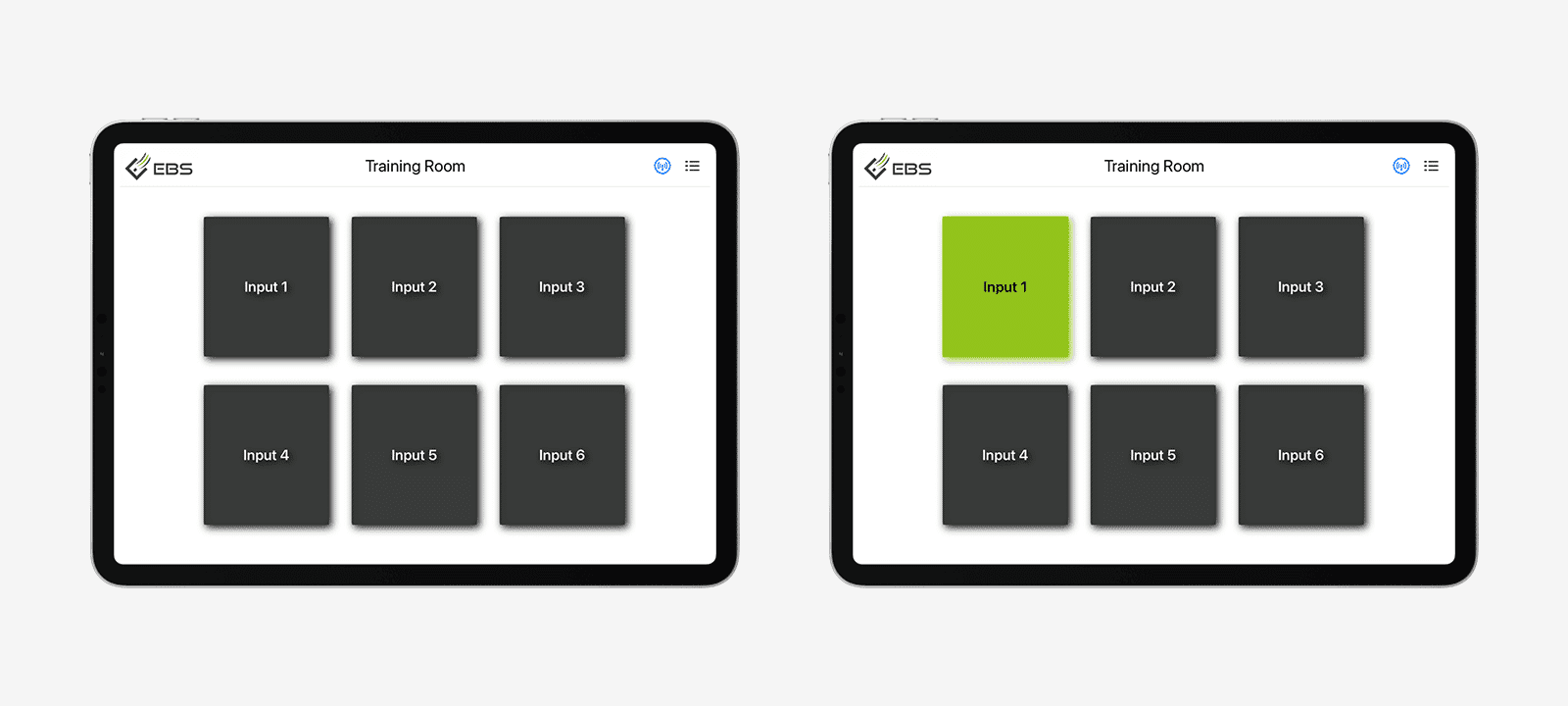
Quotation
Are six inputs enough for your room?
Tell us which devices stand in the room and how many screens are to be fed. We will check the number of inputs and work the cable runs into the figure.
From our own production. 3 years of warranty, 5 years on request.