4x4 matrix: the matrix switcher for four sources and four destinations.
The 4x4 matrix connects four signal sources to four destinations – any source to any destination, independently of each other. The picture travels over DVI, uncompressed and in the native resolution of the source.

- Instructor PCProjector
- Instructor PCDisplay 1
- VisualiserDisplay 2
- MicroscopeAdjoining room
Tap a cell: route source to destination
What it does
Every destination shows what you assign to it.
The matrix does not alter the signal and compresses nothing. Every picture stays as sharp as at the source.
One source for all
One tap puts the presentation on the projector, the displays and the adjoining room at once.
Each destination on its own
Two displays show different sources side by side – for direct comparisons, for example.
Switch destinations off
An output stays off as long as it has nothing to show; the others keep running.
Connection
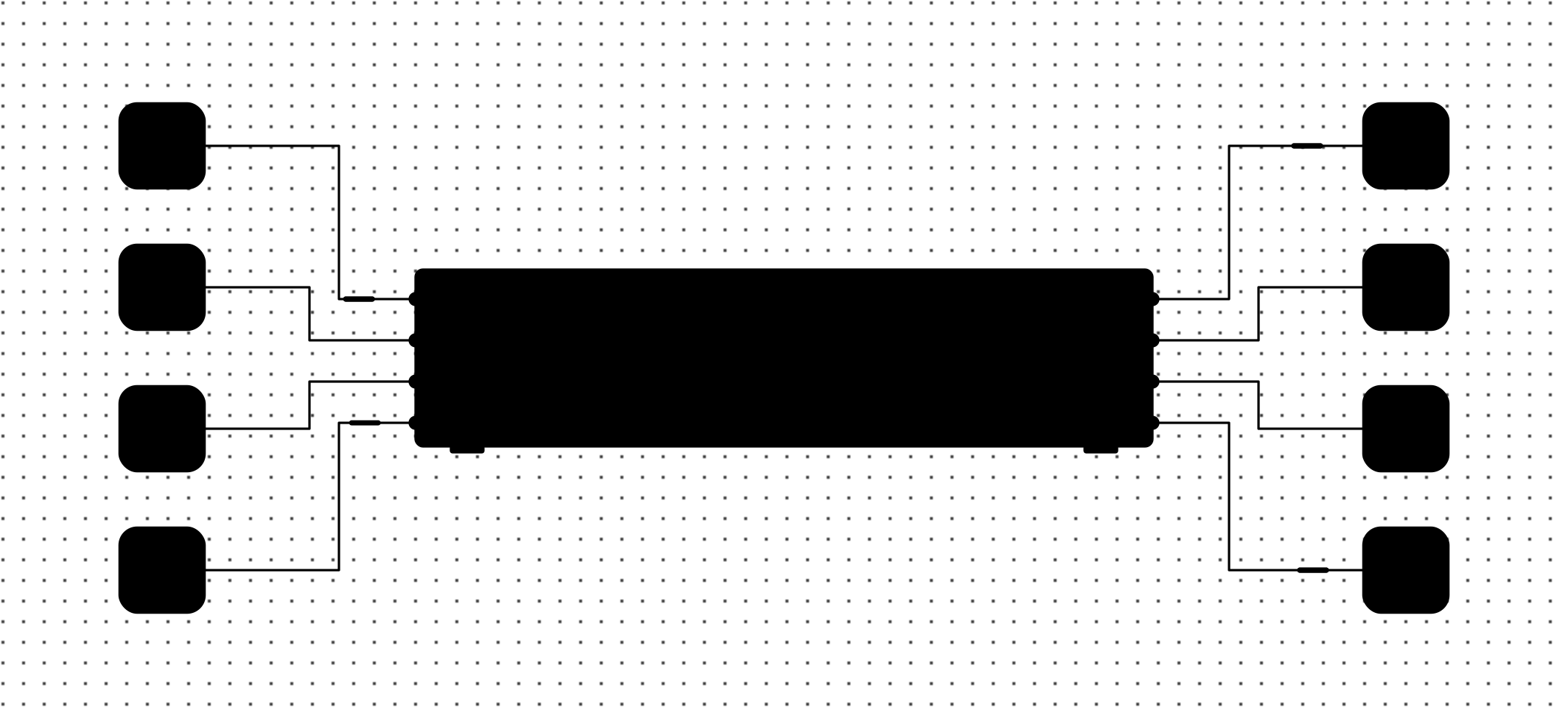
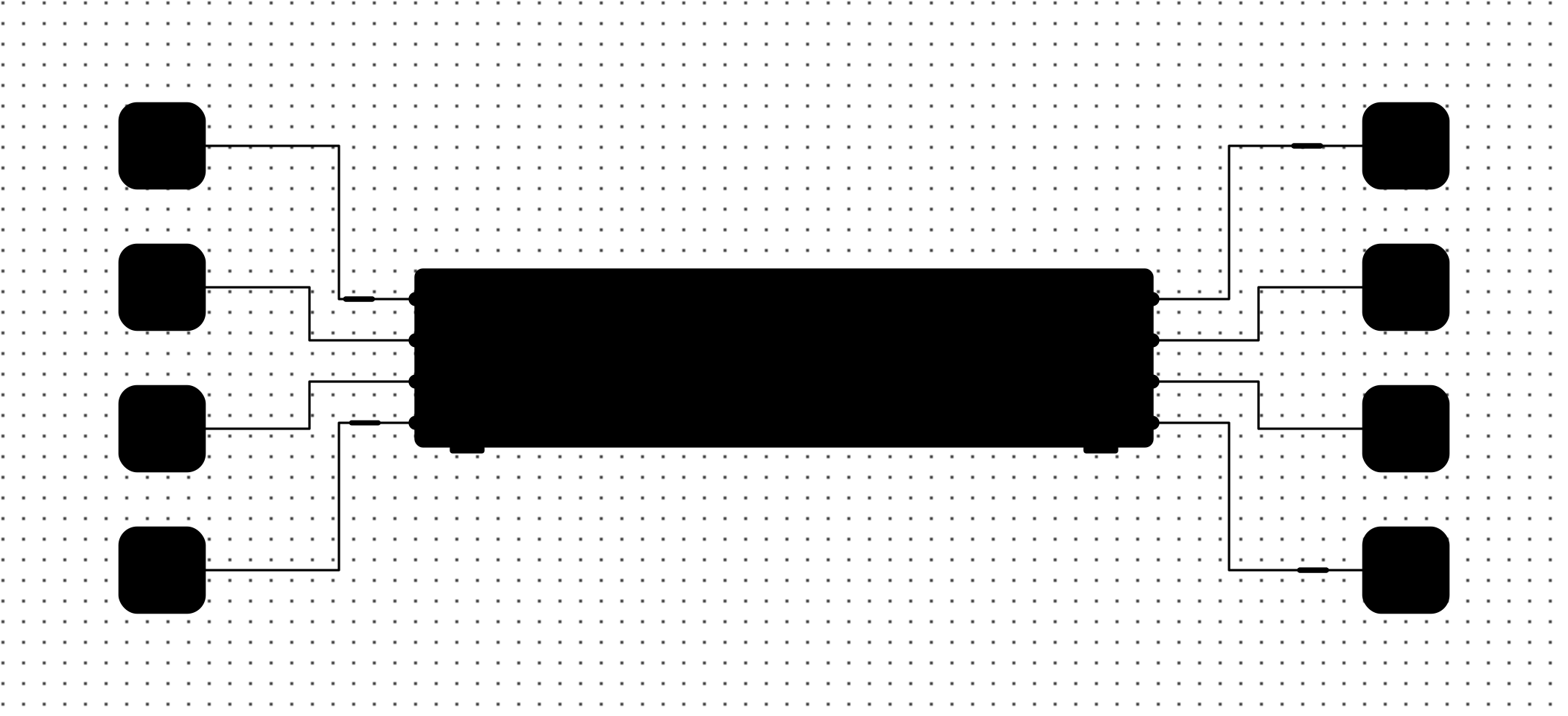
Four sources on the left, four destinations on the right.
The sources connect to the four DVI inputs, projector and displays to the four outputs. On the version with control panel, LEDs on the front show which input is currently on each output.
Control
Switch on the touchscreen, in the app or via your media control system.
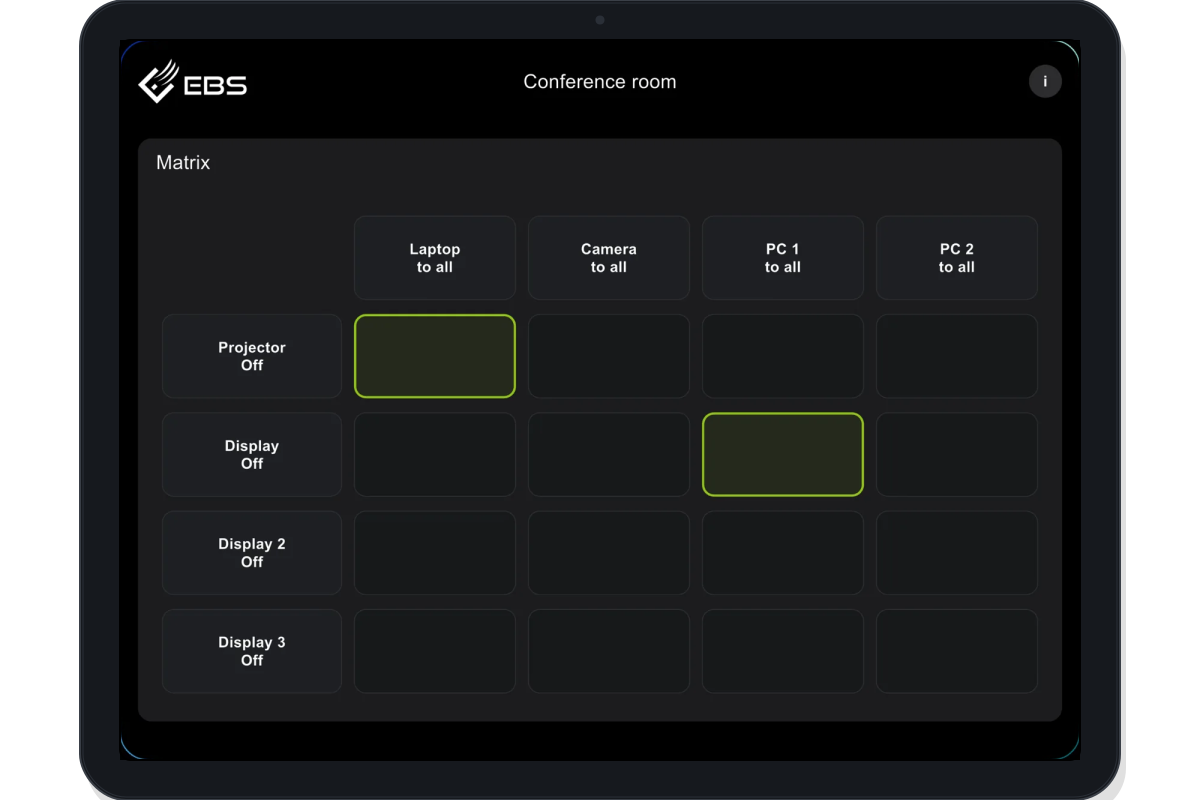
On the Touchscreen Core the matrix appears as a grid: sources at the top, destinations on the left, one tap connects them. The app for tablet and smartphone shows the same interface. An existing media control system switches the matrix via RS-232; the protocol is available on request.
Specifications
The 4x4 matrix in figures.
Details for planning; we clarify the rest in conversation.
| Inputs | 4 × DVI-D |
|---|---|
| Outputs | 4 × DVI-D |
| Signal | digital, picture and sound, uncompressed |
| Resolution | native resolution of the source |
| Switching | matrix: any input to any output |
| Control | App, RS-232 (e.g. via alphadidact®), Touchscreen Core; optional front-panel buttons |
| Display | Status LEDs per output (version with control panel) |
| Network | not required – no IP address, no HDBaseT |
| Operation | standalone or with alphadidact® Digital |
In use
In use at the Volkswagen and Dentsply Sirona academies.
In Volkswagen's training labs, a 4x4 matrix brings different sources to all monitors and the interactive whiteboard at the same time. At the Dentsply Sirona Academy in Bensheim, it integrates a separate treatment room and three large displays.


Read on
More about the signal path in the training room.
What does a matrix switcher do?
How a matrix works and when a switch, a splitter or an extender is the better choice.
Read the guide
6-2 conference switch
View device
2x2 switch / splitter
View device
1-1 extender & repeater
View deviceFrequently asked questions
Questions about the 4x4 matrix.
Your question is not listed? We will advise you personally.
Request a consultationA splitter distributes one source to several destinations. The matrix can also assign a different source to each destination and switch at any time.
Anything that delivers a DVI or HDMI signal: PCs, notebooks and tablets as well as cameras, microscopes and visualisers.
No. The 4x4 matrix is available separately and works on its own. With alphadidact® Digital it becomes part of the system and appears on the same touchscreen as the workstations.
No. The signal runs directly over DVI cables, without encoder and without compression. IT gets no additional device on the network.
That depends on cable and set-up; we define it during planning. For particularly long runs, extenders or repeaters are added.
Plan the 4x4 matrix for your room with us.
Send us your floor plan and number of seats – we'll propose a system that fits your room, with a cost estimate and no obligation.
- +49 6104 3313
- info@ebs-euchner.com
- Mon–Fri 8 am–5 pm CET