
Classroom AV system

alphadidact® Digital classroom AV system
The system links the screens of a training room over its own cabling: the instructor sends their picture to every seat and brings any student picture to the front.
Definition
What alphadidact Digital does in a training room
alphadidact® Digital is a hardware-based AV system for computer labs and training rooms: it puts the picture from any workstation onto one, several or all monitors in the room, carries keyboard and mouse with it, and needs no software on the connected computers.
Three operations cover everyday teaching. The instructor puts their own picture on every monitor, brings one student picture to all seats, and takes over or locks the keyboard and mouse of individual workstations. Each of these sits on a single key and needs no menu.
The picture travels past the computers. Every workstation is joined to the installation by an interface box; the box takes in the signal from the computer and outputs whatever has been released to it. Nothing is installed, updated or licensed on the computers, and the operating system in the room is irrelevant.
The signal carried is HDMI with audio. The sockets on the boxes are DVI-D and can be screwed down — in a permanently installed system that holds where an HDMI plug slowly works its way out. The picture stays uncompressed: no encoding step and no buffer on the way from source to monitor.
Signal path
Star cabling: every seat on the central matrix switcher
In the star layout each interface box has its own cable to the central unit. It switches any source to any seat, and a module disconnected from the system leaves the remaining connections untouched.
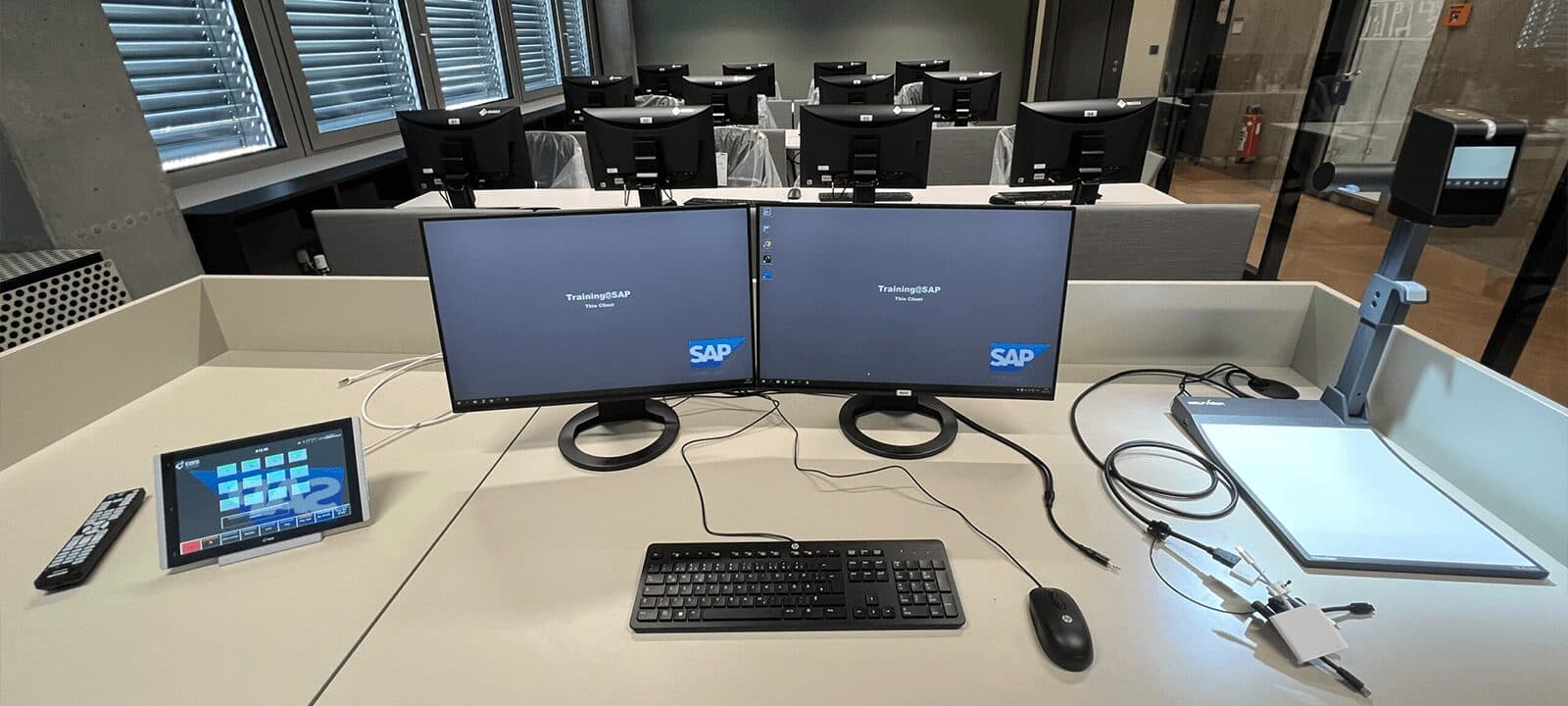
- Instructor Matrix – the teaching position. Computer, monitor, an additional notebook and two separately addressable projectors are part of the module; over two lines to the central unit the instructor sends and views any source at the same time.
- Central unit – the matrix switcher at the heart of the installation. It is available in several sizes; several units can be cascaded and linked, which reduces the cabling needed in large rooms.
- Student Box – one connection for the local signal source and one monitor per workstation. Source only or monitor only is equally possible; a fail-safe circuit keeps the seat ready for use.
- Size of an installation – up to 100 workstations in a star layout using a satellite setup. For small rooms there is the ring layout with up to 50 student seats: box to box, a short cable from module to module.
Functions
What happens at the press of a key
The functions sit on the controls at the instructor position. They can be run for a single seat, for a group or for the whole room.
01Monitoring
Video scanner and split screen
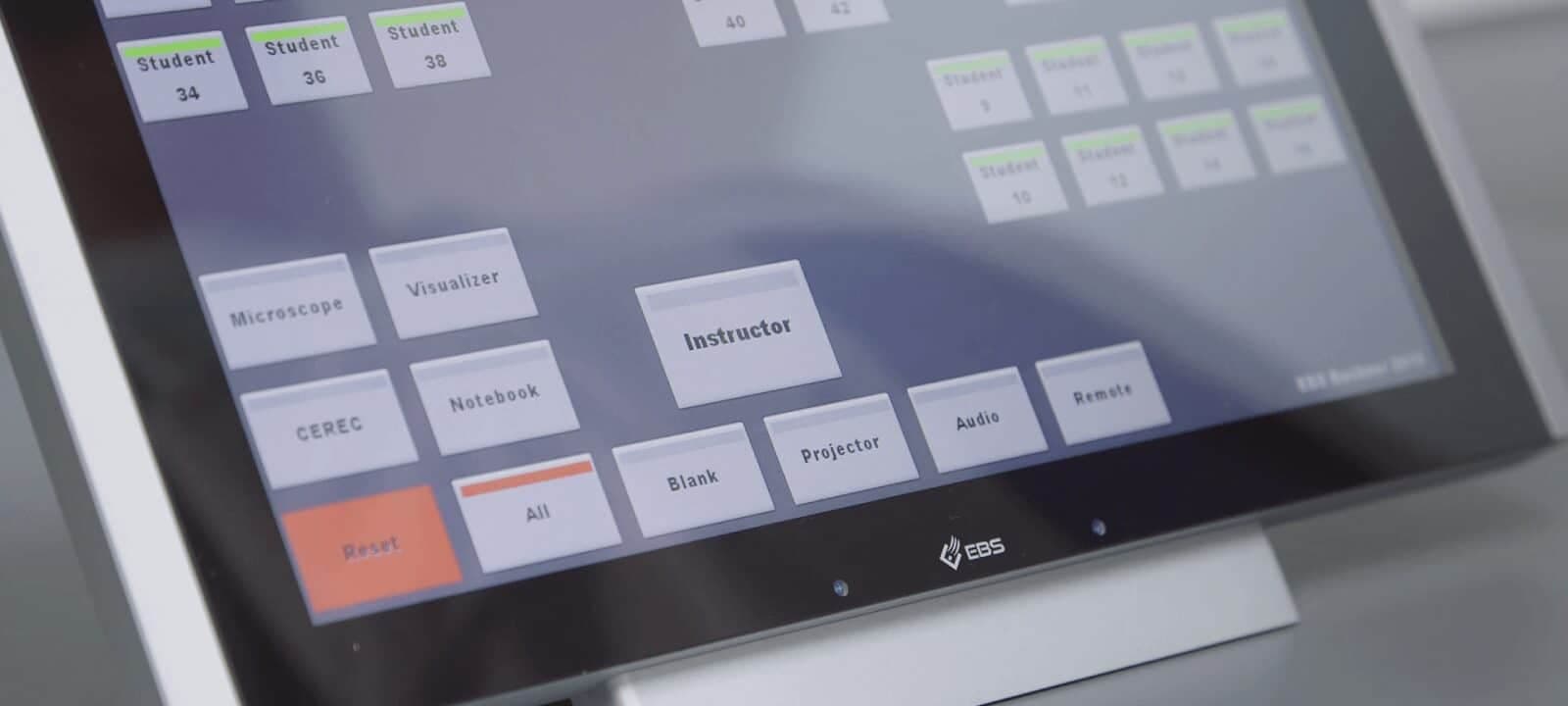
The video scanner shows the student screens one after another on the instructor monitor, moving on every second. To keep several seats in view at once, switch to the grid view: it places several student screens side by side on one monitor.
02Attention
Screen blanking and Privacy Protection Switch
All student screens can be blanked at the press of a key when attention belongs at the front. Conversely, the Privacy Protection Switch at the workstation shows whether that screen is currently being viewed, and blocks the view on request.
03Operational safety
Fail-safe circuit at every seat
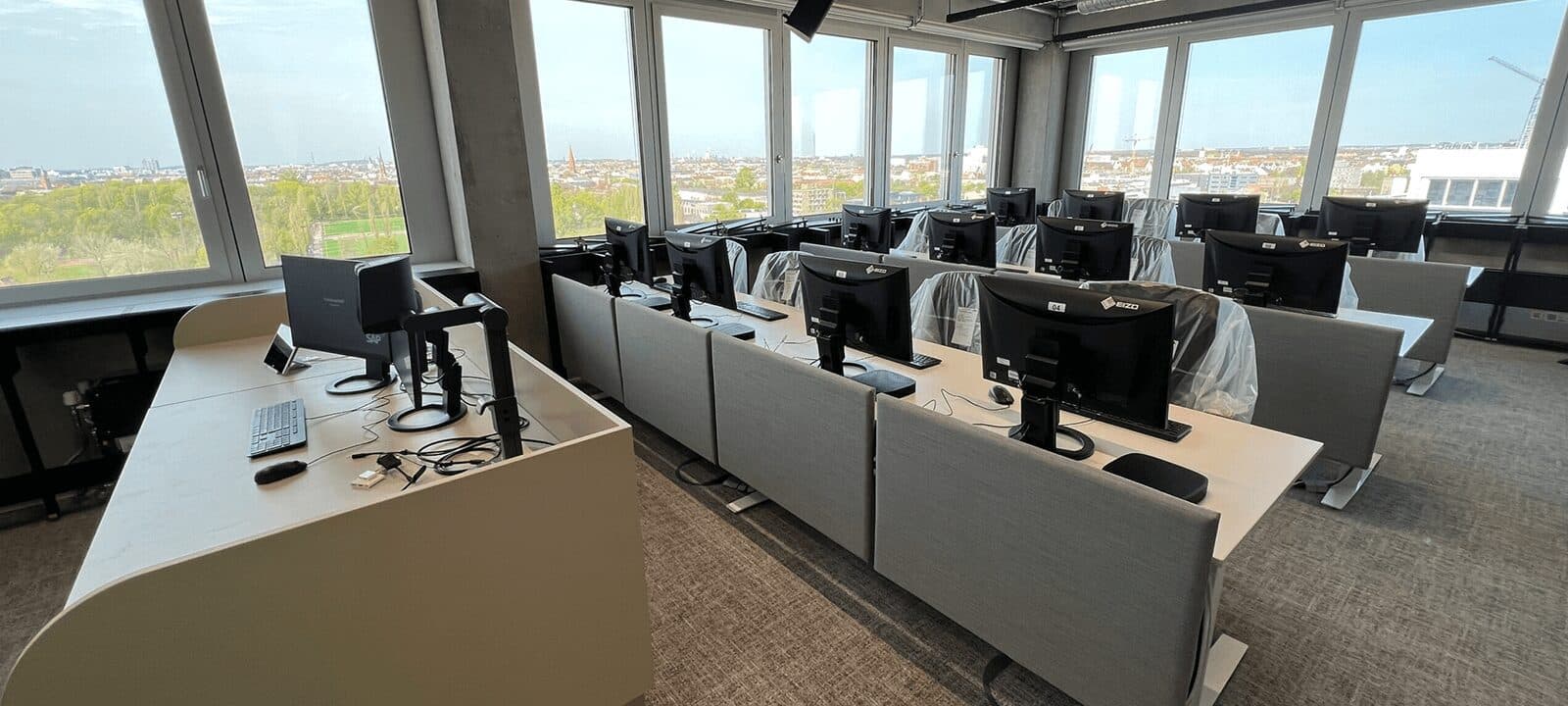
A fail-safe circuit keeps computer, monitor, keyboard and mouse working at every workstation at all times. The seat carries on working even when the installation does not respond — a point regularly raised in examination rooms and in procurement.
04Operation
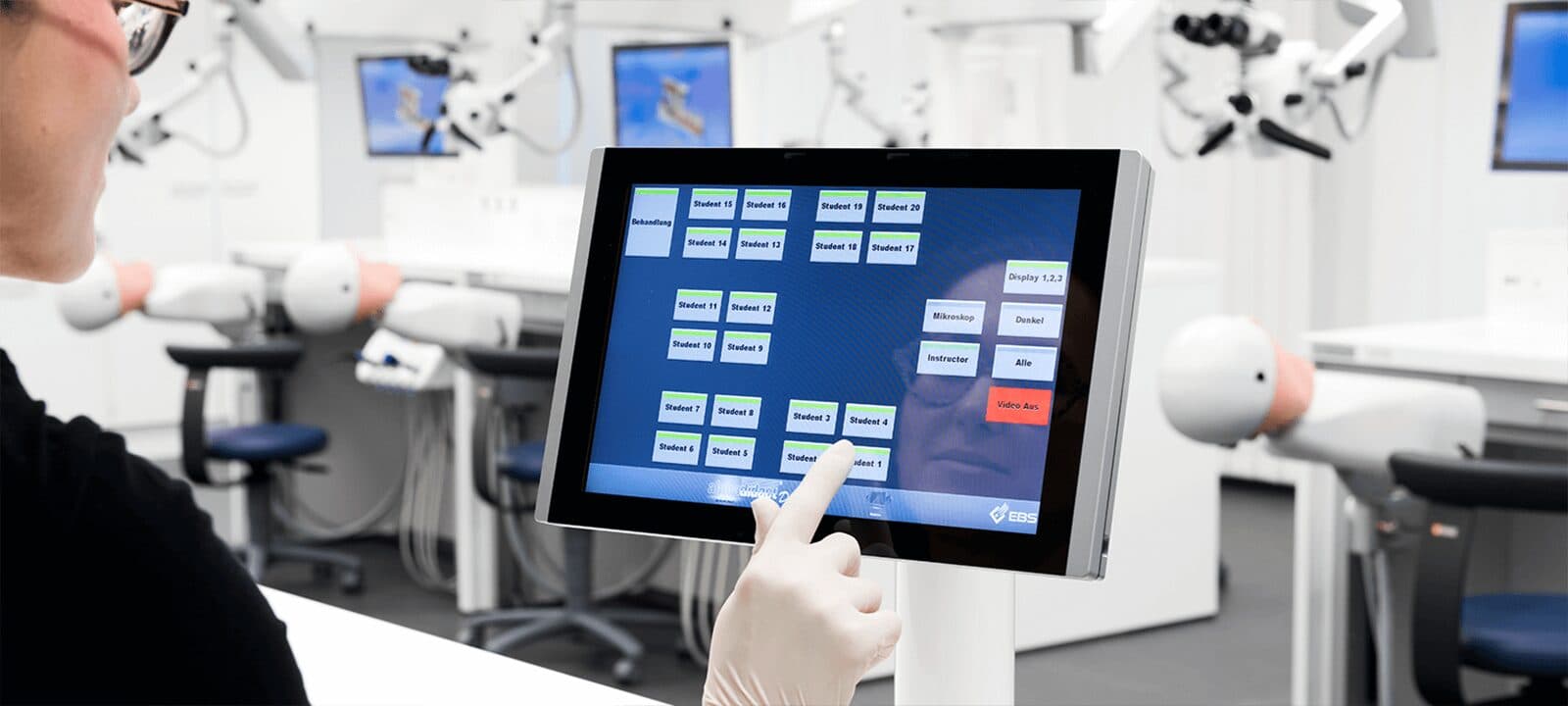
An interface laid out like the seating plan
The control surface mirrors the seating of the room: every seat appears on screen where it stands in the room. Operation is by touchscreen at the instructor position, by system keyboard, by tablet or through an existing media control system over RS232.
05Audio
Audio Line for language labs
The Audio Line extends the installation with stereo audio transmission. It is the prerequisite for running the training room as a language lab and is planned together with the installation.

06Connections
Third-party devices and second screens
Visualisers, document cameras, microscopes and further signal sources are added as additional sources and are then available at every seat. Two screens per workstation are possible, and several installations can be linked into one system.
Applications
Where these installations are used
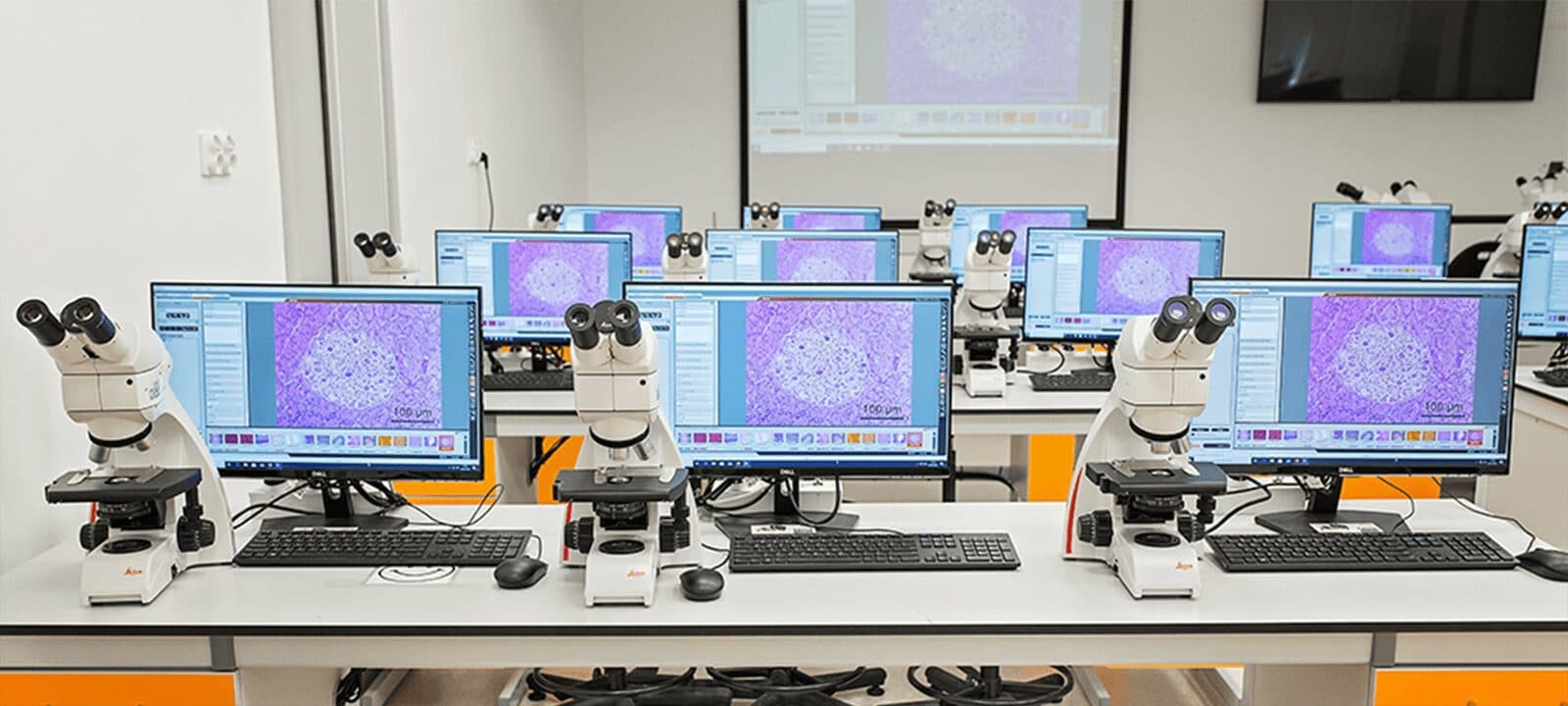
The rooms differ widely in technical terms: the computer lab of a university, the dissection room of an anatomy department, the simulation lab of a university dental clinic, the training centre of a public authority.
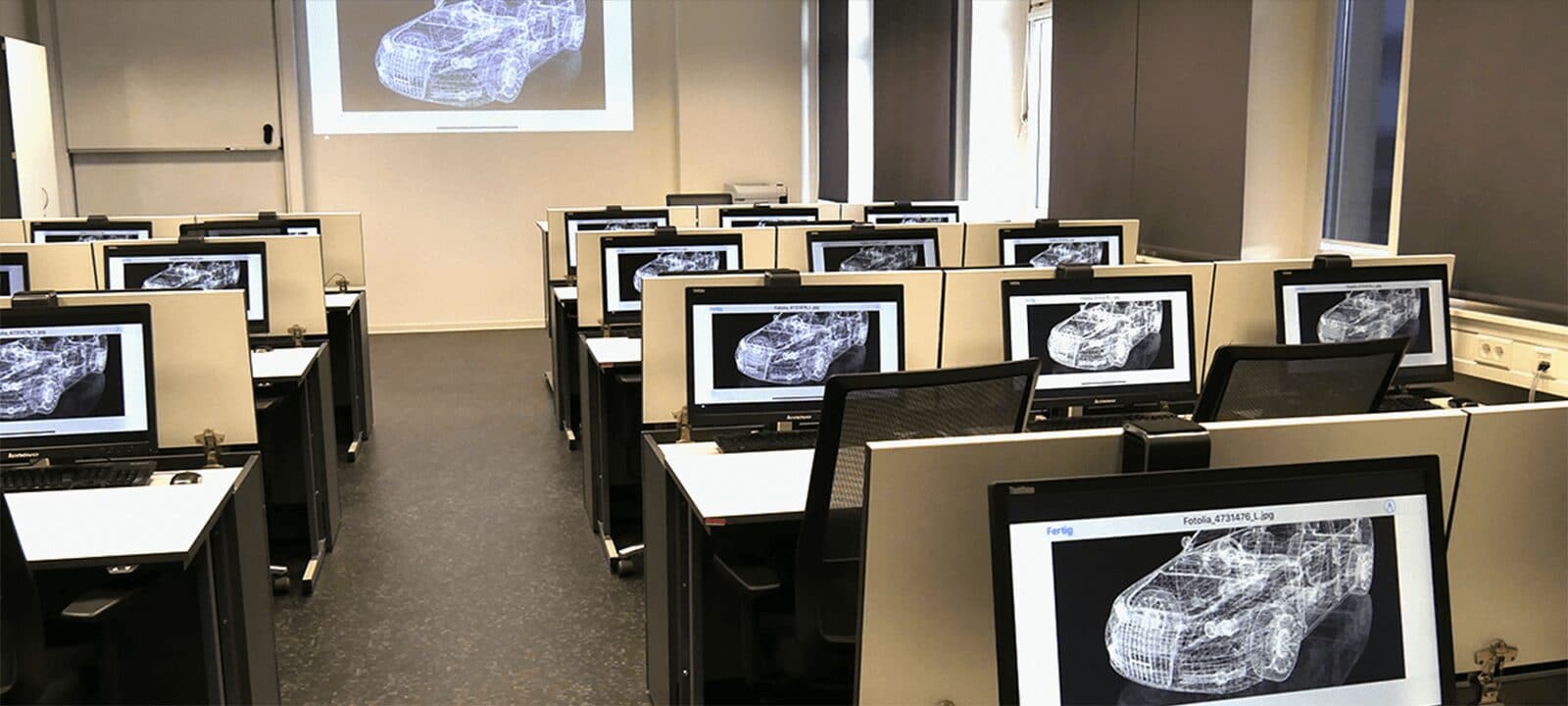
IT training
Computer labs and PC pools
In schools, vocational colleges, universities and corporate training rooms, switching the picture does not depend on software on the computers. Replace the equipment in the room and you replace the computers — the installation stays.
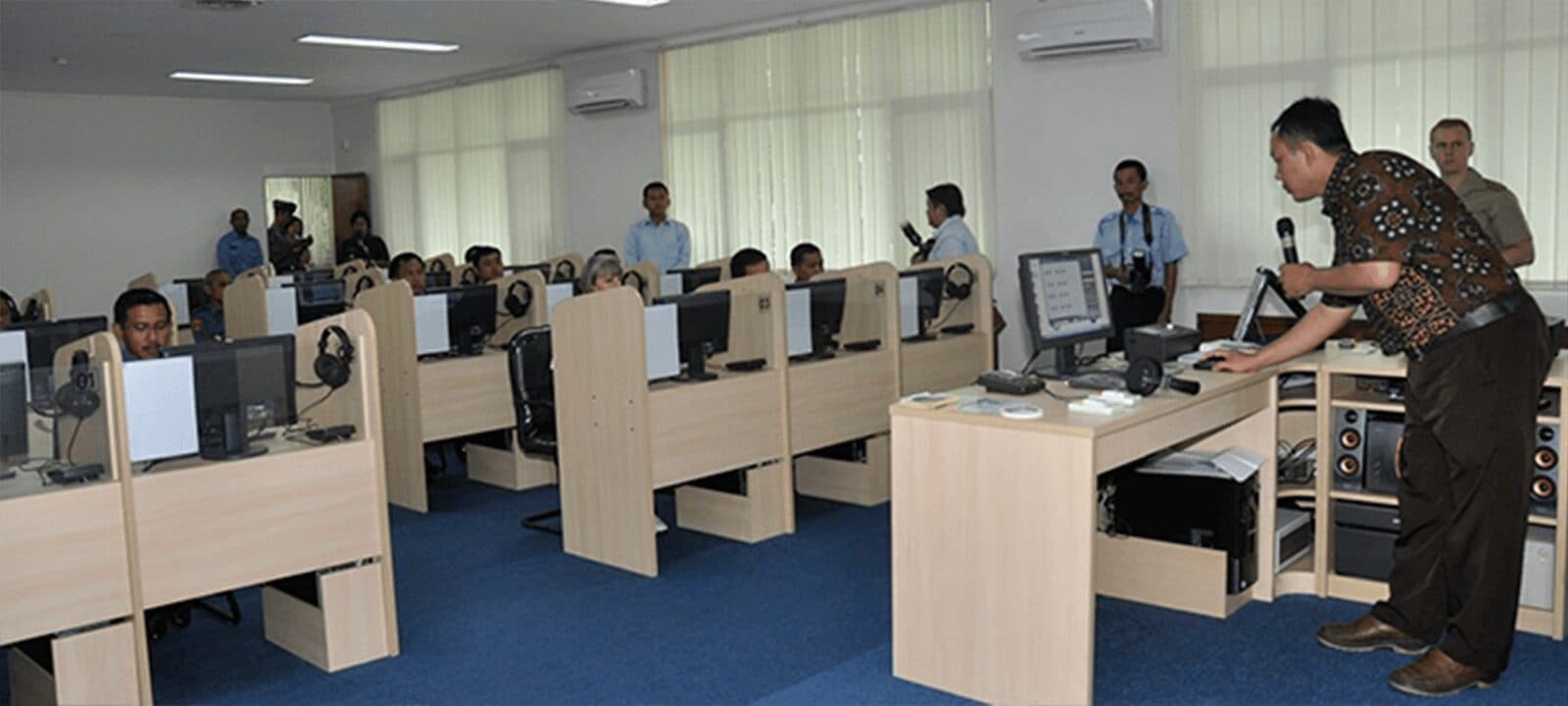
Public authorities
Public administration
In the training centres of tax authorities, police forces and the armed forces the installation stays separate from the house network. Picture and sound run over dedicated cabling between the interface boxes, not over the building's infrastructure.
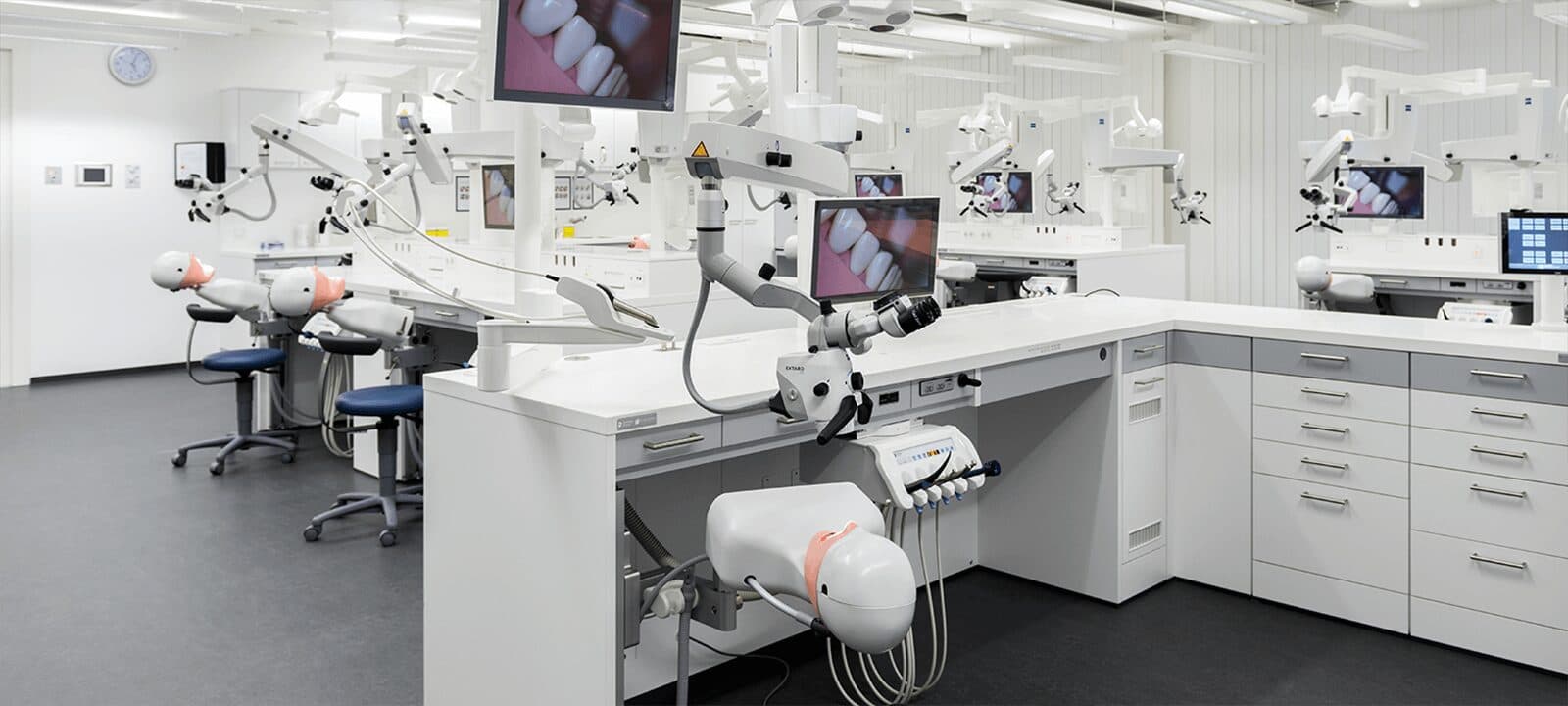
Medicine
Skills labs and learning labs
In the dissection room, in the microscopy lab and at the dental phantom head workstation, the camera picture goes from the instructor seat to every student monitor uncompressed — with no lag between the movement and the picture.
Air gap
Training room without a network
Where a room must not touch the house network, the installation runs air-gapped: no server, no client, no access to the building's infrastructure. A separate page sets out the points IT security examines.
Key figures
Installation sizes and basic data
- Largest star-cabled installation, built as a satellite setup
- 100seats
- Maximum number of student seats in the ring layout
- 50seats
- Warranty, extendable to five years on request
- 3years
- Development and manufacturing in Heusenstamm near Frankfurt
- 1984founded
Quotation
An installation for your room
For a quotation we need the number of workstations, the seating plan and the equipment standing in the room. From these follow the layout — star or ring — the number of modules and the cable list.
Heusenstamm near Frankfurt · development and manufacturing in-house · 3-year warranty