
Signal management
AV extenders and repeaters: amplifying the signal
Two devices for long cable runs: the extender conditions the video signal for the run, the repeater freshens it up again along the way.
Signal conditioning
What extenders and repeaters do on the cable
An AV extender conditions a video signal so that it survives a long cable run, and a repeater takes in the weakened signal partway along the run and passes it on amplified – both work on DVI and without a network.
Neither device needs a network. There is no IP address, no port in a switch and no conversion onto network cable – the picture stays on the video line without interruption, from the source right through to the screen.
Nor is the signal compressed. The devices recondition and amplify the video signal that is present, they do not re-encode it, so what stands at the end of the run is the same picture as at the source and not a calculated approximation of it.
How far a run actually reaches depends on the cable. Resolution, cable type and connectors determine the possible length, which is why no general figure in metres appears here – we state the dependable length for a particular installation together with the connection plan.
Signal path
One input, one output, the run in between
The extender sits at the source and puts the conditioned signal onto the line; the repeater sits in the run and passes it on amplified.
- Extender: conditions the signal for the run
- Repeater: amplifies the signal along the run
- DVI from source to screen, no network
Technical data
Extenders and repeaters at a glance
Figures per unit. A general reach is deliberately absent from the table: it depends on the cable and on the resolution.
- Inputs
- 1
- Outputs
- 1
- Connection
- DVI-D (HDMI signal, with audio)
- Signal
- uncompressed, no delay
- Network
- not required
- Warranty
- 3 years, optionally 5 years
The sockets are DVI-D and can be screwed down. Neither the extender nor the repeater converts the picture onto network cable; both stay on the video line.
Extender
At the source, before the run begins
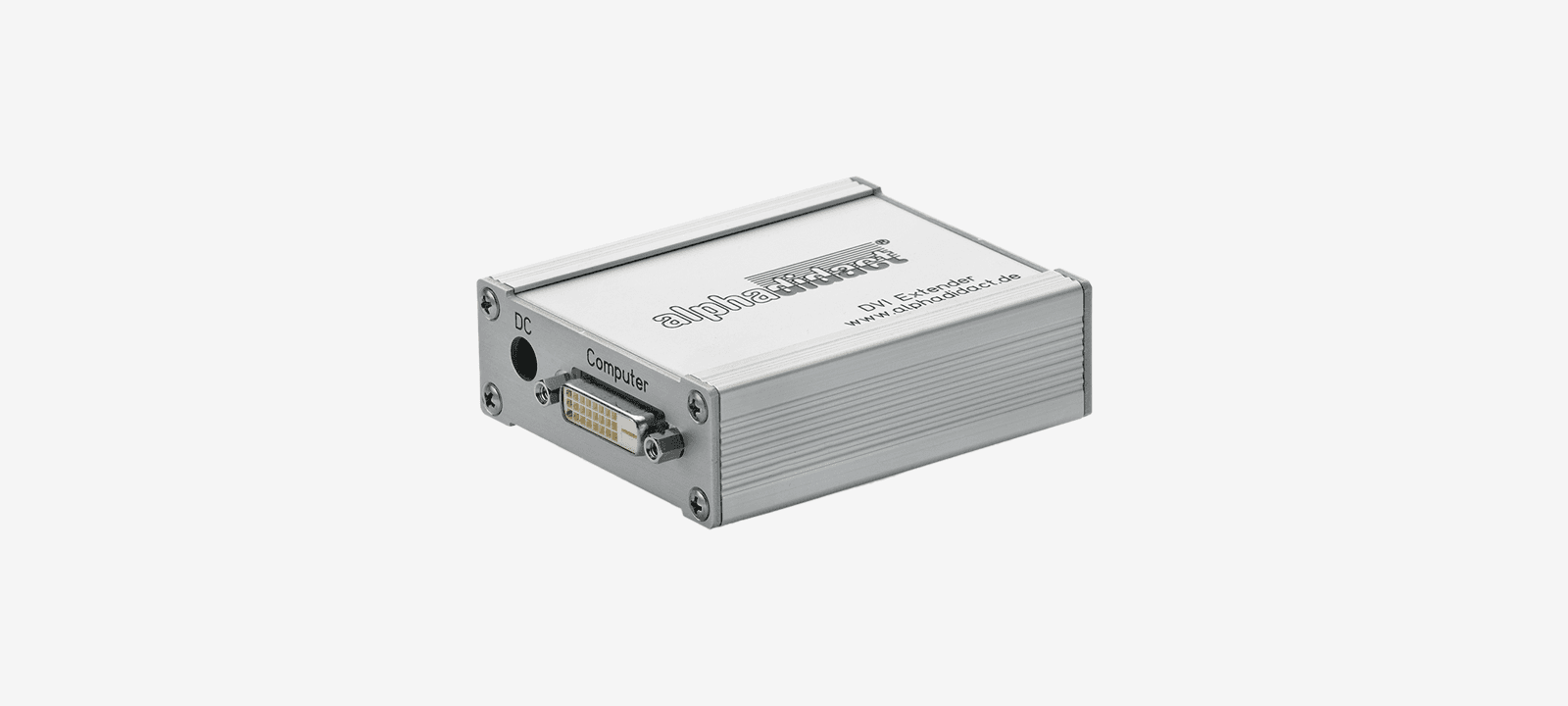
The extender is connected directly to the signal source – on the housing the socket carries the label “Computer” – and puts the conditioned video signal onto the long line. It can be added to existing installations without anything having to change at the source or at the screen.
Repeater
In the run, where the picture grows weaker
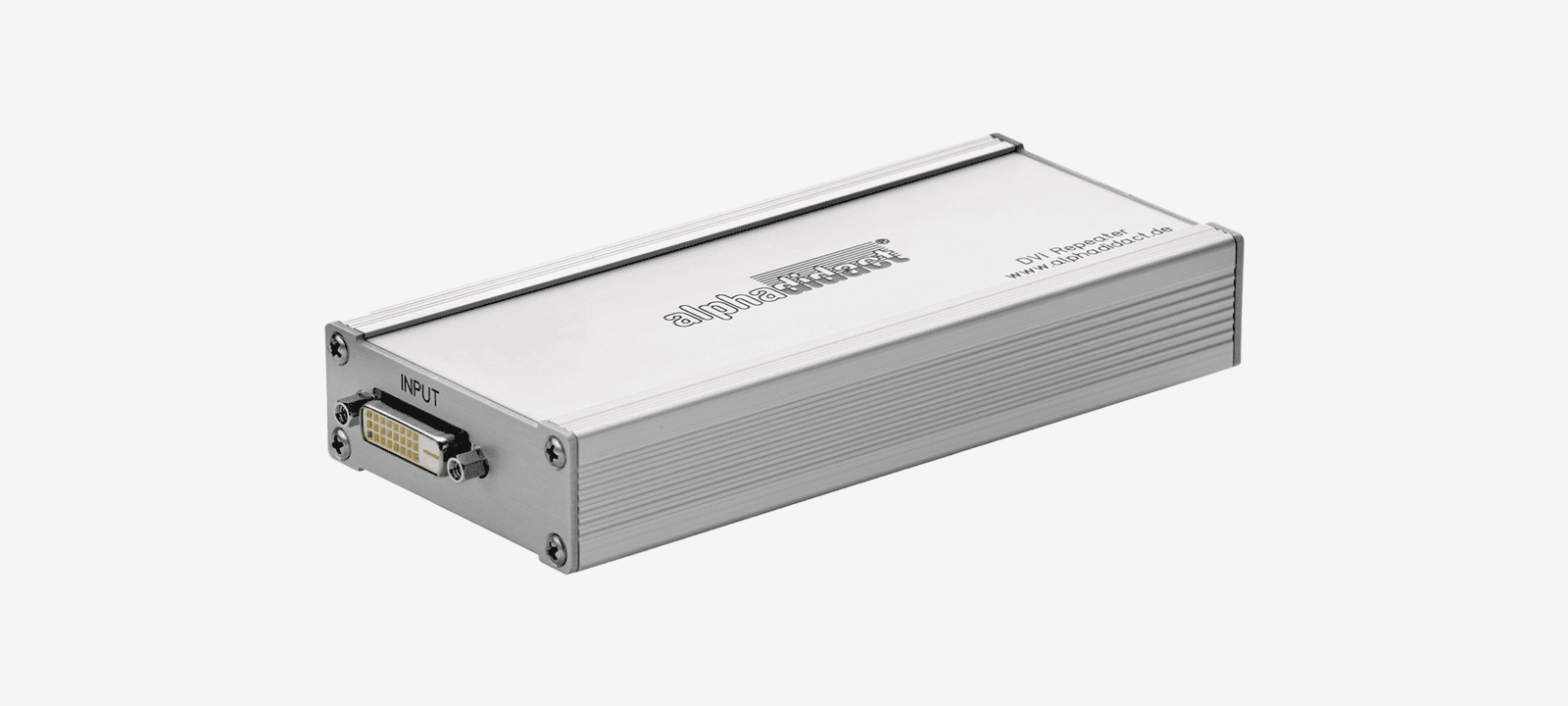
The repeater sits between two sections of cable. It takes in the incoming signal and passes it on amplified, so that a run can be assembled from several sections instead of having to be pulled in one piece.
Quotation
How long is the run at your site?
Tell us the length, the cable type and the resolution. We will then tell you whether an extender is enough, whether a repeater is needed as well, and which cable is the right one for it.
Our own production since 1984. 3 years of warranty, optionally 5 years.