2x2 switch: two sources, two destinations, three operating modes.
The 2x2 switch distributes two signal sources to two destinations – over DVI, uncompressed and without delay. Depending on the mode, it works as a splitter, as a switch or as a small matrix.

Splitter · 1 → 2
- PCMonitor
- PCProjector
Switch · 2 → 1
- PC | LaptopProjector
Mini matrix · 2 × 2
- PCProjector
- LaptopMonitor
What it does
What the 2x2 switch does in each operating mode.
Which mode you use depends on the room; the device stays the same.
Splitter: one to two
One source appears on two destinations at the same time, for example on the instructor monitor and the projector.
Switch: two to one
Two sources share one destination; one button press changes between them.
Mini matrix: two to two
Both sources, both destinations – each destination shows the source you assign to it.
Connection
Two inputs, two outputs, one power supply.
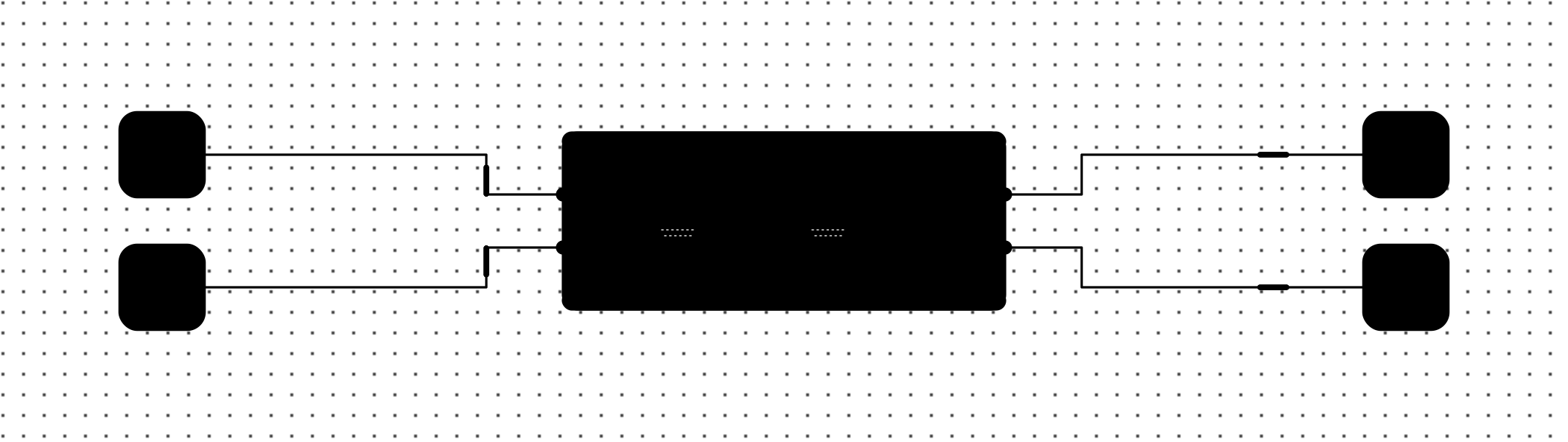
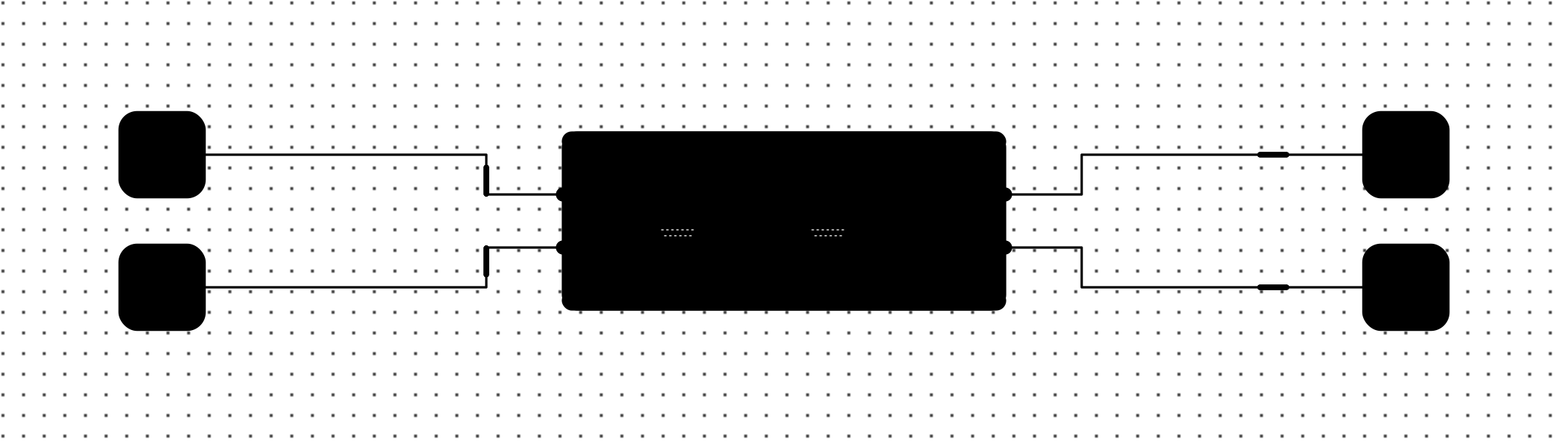
The two sources connect to inputs 1 and 2, the screen and projector to the two outputs; switching is done with a connected push button.
Control
Switching with a push button.
Switching is done with an external push button, for example at the instructor desk – no software, no PC setup and no network.
Specifications
The 2x2 switch in figures.
Details for planning; we clarify the rest in conversation.
| Inputs | 2 × DVI-D |
|---|---|
| Outputs | 2 × DVI-D |
| Operating modes | splitter 1 → 2, switch 2 → 1, matrix 2 × 2 |
| Signal | digital, uncompressed, without delay |
| Control | external push button |
| Network | not required – no IP address, no HDBaseT |
| Operation | standalone or with alphadidact® Digital |
In use
For the instructor desk and smaller training rooms.
Where two sources meet two screens, the 2x2 switch is enough: at the instructor desk with PC and laptop, or in smaller training rooms where content changes quickly between two sources.

Read on
More about the signal path in the training room.
What does a matrix switcher do?
How a matrix works and when a switch, a splitter or an extender is the better choice.
Read the guide
4x4 matrix
View device
6-2 conference switch
View device
1-1 extender & repeater
View deviceFrequently asked questions
Questions about the 2x2 switch.
Your question is not listed? We will advise you personally.
Request a consultationA splitter duplicates one signal, a switch selects one. Depending on the mode, the 2x2 switch takes on one task or the other.
The connectors are DVI-D; the signal carried is an HDMI signal. Devices with an HDMI output are connected with a suitable cable – pre-assembled cables are available in various lengths.
No, the 2x2 switch is available separately. It can also be used in an alphadidact® room.
With two sources and two destinations, the 2x2 switch is enough. If more sources or destinations are added – such as a camera, a visualiser and a second display – the 4x4 matrix is the right choice.
There is no flat price – every system is configured for the room. You will receive a proposal with a cost estimate.
Two sources, two screens? Talk to us.
Send us your floor plan and number of seats – we'll propose a system that fits your room, with a cost estimate and no obligation.
- +49 6104 3313
- info@ebs-euchner.com
- Mon–Fri 8 am–5 pm CET