
Hybrid systems

Two training rooms, one course
A bridge between two training rooms: every signal source of one installation can be placed on the workstations of the other, in both directions.
What Bridge does
What alphaX Bridge carries between two rooms
alphaX Bridge connects two alphadidact® Digital installations at separate sites and carries every signal source of one installation in both directions: computer, notebook, camera and microscope as readily as the picture from the instructor station.
The bridge is operated where the rest of the installation is operated: on the EBS touchscreen in the room. One button decides which source takes the route to the other site. Nothing is installed on the participants' computers, and nobody has to dial into a conference.
An internet connection at both sites is required. That is where the bridge differs from the rest of the range, which manages without a network: it leaves the building and needs a way out. Inside the two training rooms, everything stays as it is.
Fixed bridge
Two sites connected permanently
A fixed bridge always connects the same two rooms. It is set up once and is then available as a button on the touchscreen: the instructor selects the source, and the course at the other site sees the same picture. For organisations that regularly teach in pairs, this is the simplest arrangement.
Discuss the arrangement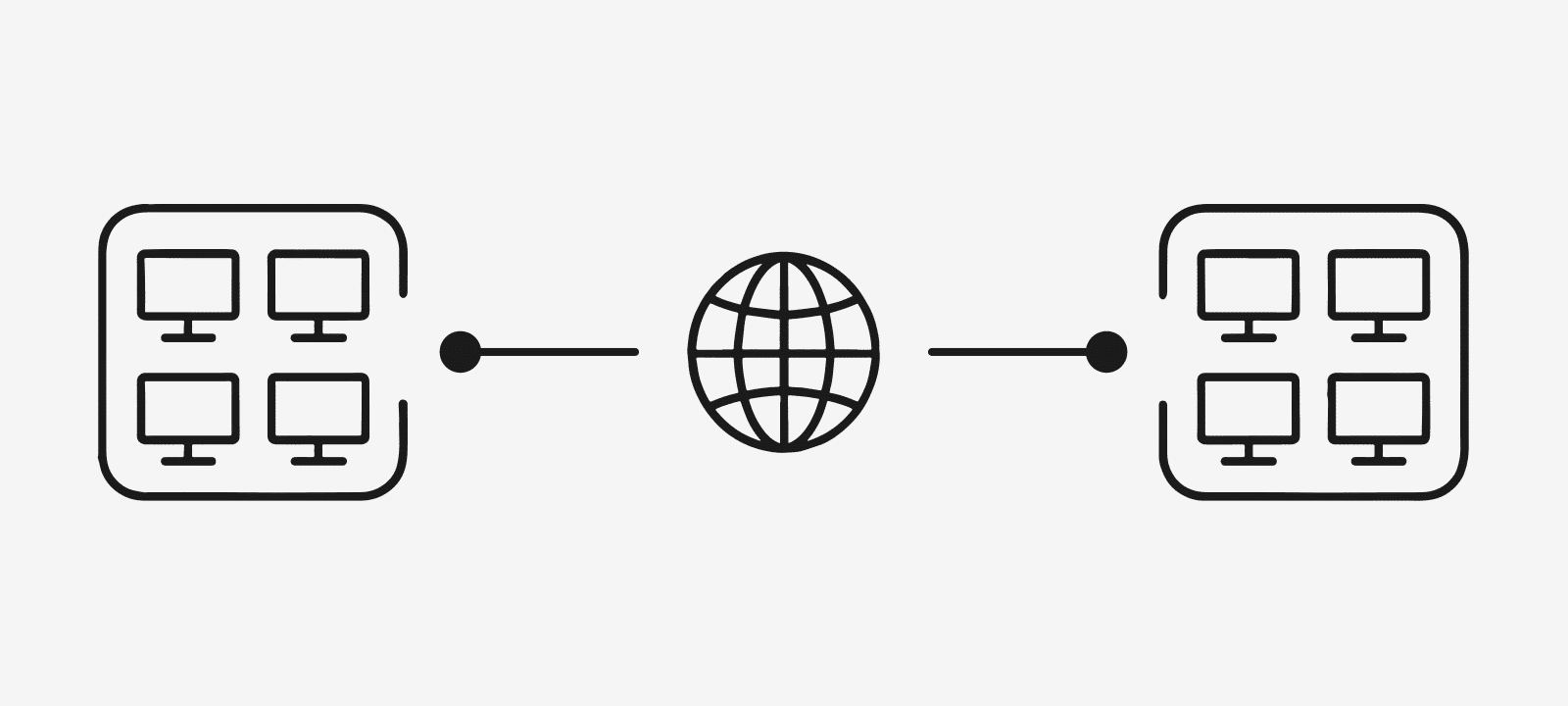
Dynamic bridge
Pairing rooms as required
The dynamic bridge connects changing rooms, always in pairs, room to room. Connections can be scheduled in advance or set up on the spot, and they are established by drag and drop. Institutions with many rooms across several sites organise their timetable instead of their cabling.
Talk through the timetable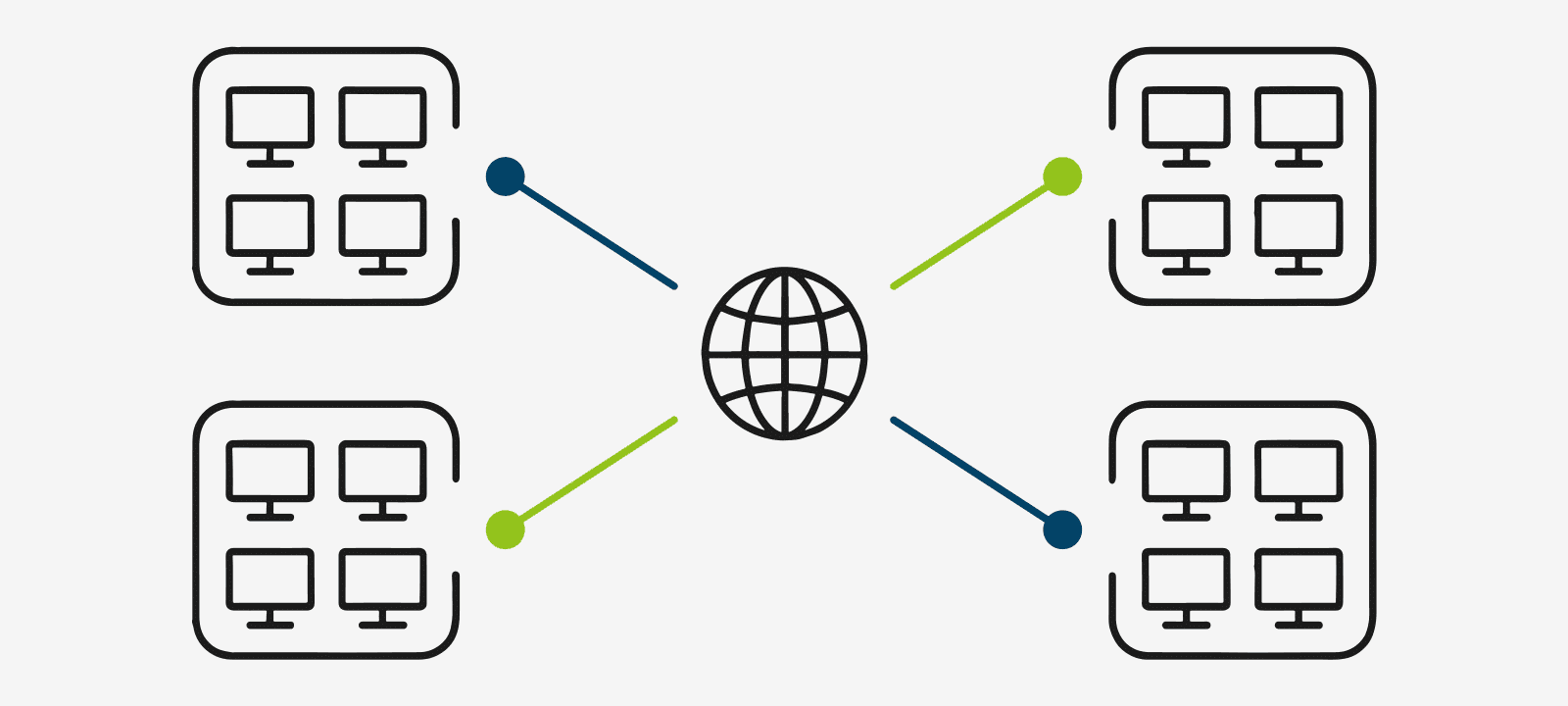
Technical data
alphaX Bridge at a glance
The details that tenders ask for. Anything not listed here depends on the project and is settled case by case.
- Function
- pairing of two alphadidact® Digital installations
- Direction of transmission
- bidirectional
- Sources carried
- every signal source of the installation: computer, notebook, camera, microscope
- Operating modes
- fixed bridge, dynamic bridge
- Establishing a connection
- on the touchscreen; dynamic bridges by drag and drop, scheduled in advance or on the spot
- Operation
- EBS touchscreen at the instructor station
- Software on the participants' computers
- none
- Requirement
- internet connection at both sites
- Basis
- one existing alphadidact Digital installation per site
The sources in the room connect to the connection boxes of the alphadidact installation. Their sockets are DVI-D, and the signal carried is HDMI with audio.
Next step
Does a bridge suit your rooms?
Pairing calls for an alphadidact® Digital installation in both rooms. Name the systems already in place and the number of sites, and it follows from that whether a fixed or a dynamic bridge is the right one.
Advice direct from the manufacturer in Heusenstamm near Frankfurt.