Products
Training systems and signal technology for rooms where everyone sees the same.
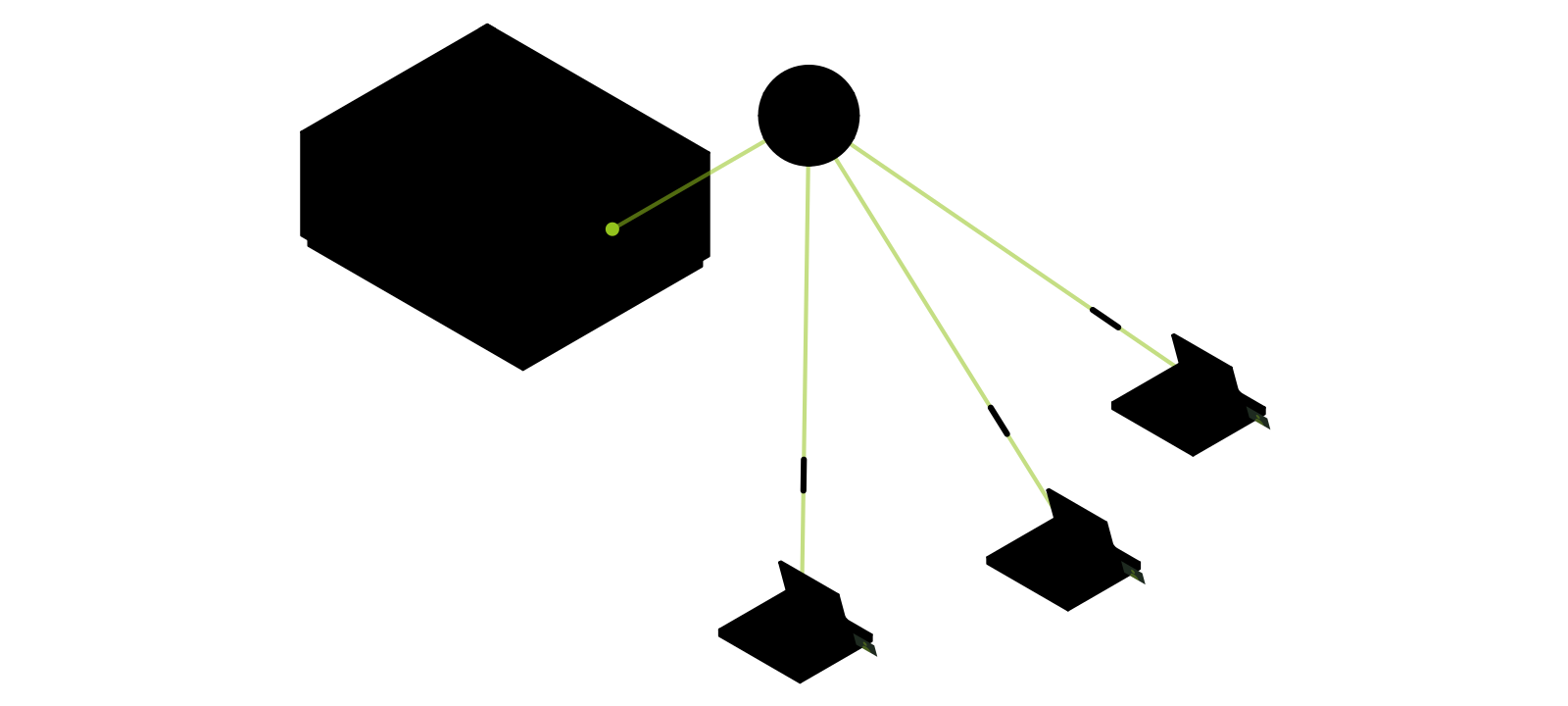
Every EBS product sits at one point on the same path: from the source via the alphadidact® Digital training system and its control to signal management. Along the way the image stays uncompressed and never runs over a network.

- Instructor PCall seats
- MicroscopeProjector
- LaptopFront display
The signal path
Five stations on the way from image to screen.
Choose a station: where the image is created, what distributes it, how it is controlled, what switches alongside – and what comes next.
Any digital image can be distributed – not just a PC's.
It starts with a video output: PC, laptop, microscope camera, intraoral or document camera, visualiser. Anything with a digital video signal can be integrated, regardless of manufacturer.
- Our engineers test your devices in advance
- Laptop input at the instructor desk as standard
- The PCs' operating system does not matter
alphadidact® Digital puts the image on every seat.
The teacher-student system picks up the image at the video output and switches it in hardware to individual seats, groups, everyone or the projectors. Nothing is installed on the PCs.
- Star system up to 100 seats, ring system up to 50
- Blackout with keyboard and mouse lock
- Fail-safe: PCs stay usable if a fault occurs
Control it the way that suits the room.
The touchscreen shows the seating plan of your room. The same interface runs as an app on tablet and smartphone; there is also the system keyboard and integration with your media control system.
- Touchscreen Core and Pro
- App for iPhone and iPad, free (Android coming soon)
- RS-232 for existing media control systems
Matrix, switch and extender – even without a training system.
For conference rooms, lecture halls or alongside alphadidact® Digital: the devices switch, split and extend video signals. Each is available individually.
- 4x4 matrix: 4 inputs to 4 outputs
- 6-2 Conference Switch: up to 6 sources to 2 destinations
- 2x2 switch plus 1-1 extender and repeater
alphaX connects rooms and participants beyond the room.
Three extensions are in preparation: Bridge links two alphadidact® rooms, Share brings in remote participants with picture and sound, Vision shows up to 16 student screens on one display.
In preparationTo alphaX
- Microscope
- PC
- Laptop
- Document camera
- Intraoral camera
- Visualiser


Decision guide
Which product you need depends on the task.
Five typical starting points and the matching station. In a conversation we check whether a combination makes more sense.
| Your task | Matching product | Why |
|---|---|---|
| Equip a complete training room | alphadidact® Digital | Every seat can send and receive; control follows the seating plan. |
| Only switch sources to displays or projectors | 4x4 matrix · 6-2 Conference Switch · 2x2 switch | No training system needed – the devices route sources directly to destinations. |
| Bridge long cable runs | 1-1 extender and repeater | Extends the DVI signal without HDBaseT and without IP; the extender up to 1920 × 1200 at 60 Hz. |
| Link rooms or bring in participants | Room linking · alphaX | Room linking (master/slave) is an extension of alphadidact® Digital; across sites, alphaX will be added in future. |
| Keep using an existing media control system | RS-232 interface | Your control system operates the system too; the protocol is available on request. |
Frequently asked questions
What planners want to know before choosing.
Short answers – for everything else, we are happy to talk about your room.
Request a consultationYes. Matrix, switches and extenders are available individually. alphadidact® Digital is configured as a system for your room and can be extended later, for example with audio or remote control of keyboard and mouse.
There is no flat price – every system is configured for the room. After the first conversation you receive a room proposal with a cost estimate, based on floor plan and number of seats.
No licences, no subscription, no updates on the PCs. The warranty is 3 years and can be extended to 5; maintenance is optional.
Usually yes: the box sits between the existing PC and monitor. Monitors with HDMI or DVI and Full HD at 60 Hz are recommended. On site you provide power, cable routes, PCs and monitors.
In the live demo in your browser (five rooms with the real touch panel), in an online presentation on a real system or on a visit to Heusenstamm.
Let us find the right combination with you.
Send us your floor plan and number of seats – we'll propose a system that fits your room, with a cost estimate and no obligation.
- +49 6104 3313
- info@ebs-euchner.com
- Mon–Fri 8 am–5 pm CET